
HD, FHD & 4K streams
Watch in the picture quality your screen and connection support. Many channels and titles are available in several qualities, so you can pick crisp 4K on a big TV or lighter HD on mobile data.
One subscription for live channels, a huge on-demand library and PPV events — streamed in HD, FHD and 4K to your smart TV, Fire TV Stick, phone, tablet or computer, with real people ready to help 24/7.
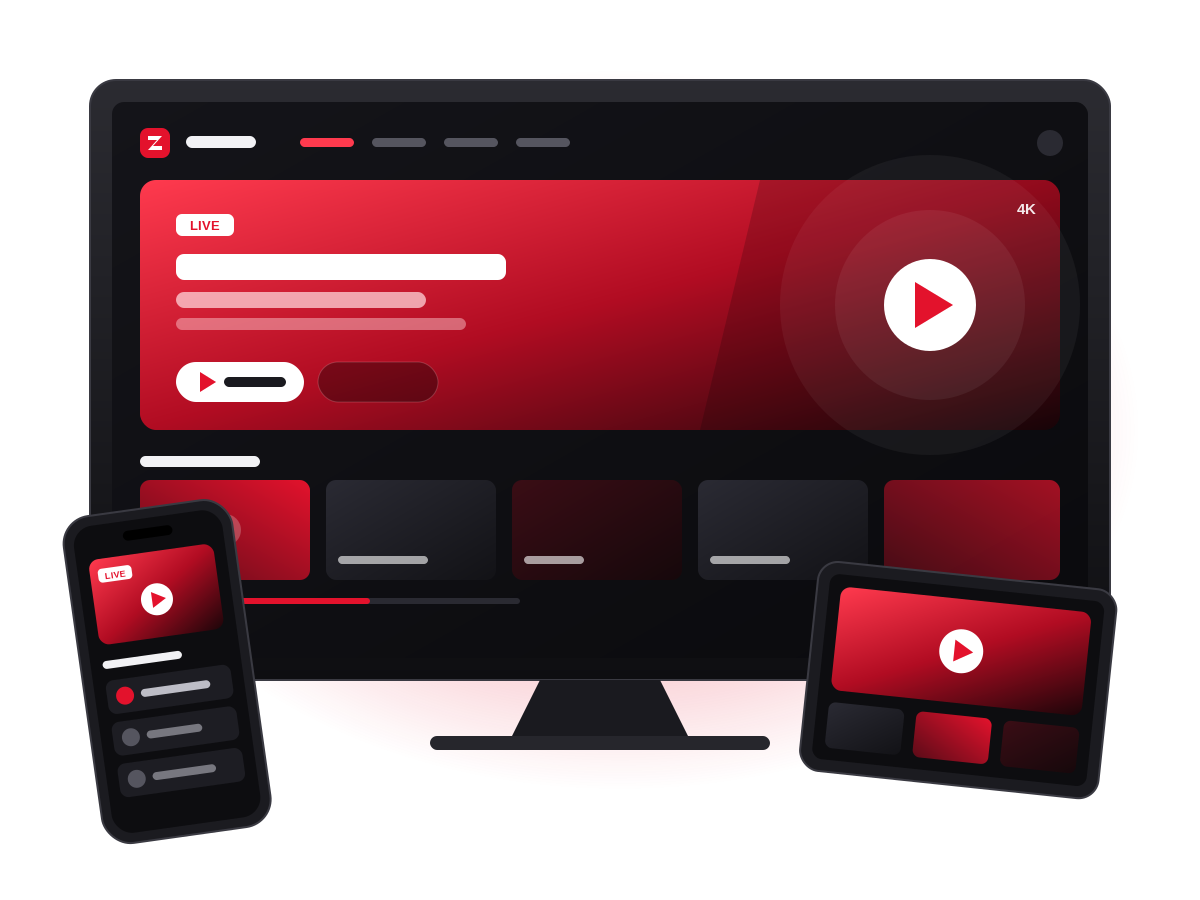
ZORYFLIX IPTV was built for people who want their entertainment in one place without the hardware, installation visits and long contracts that come with traditional pay-TV. Your channels and on-demand titles arrive over the internet, so the screen you already own becomes a complete entertainment hub.
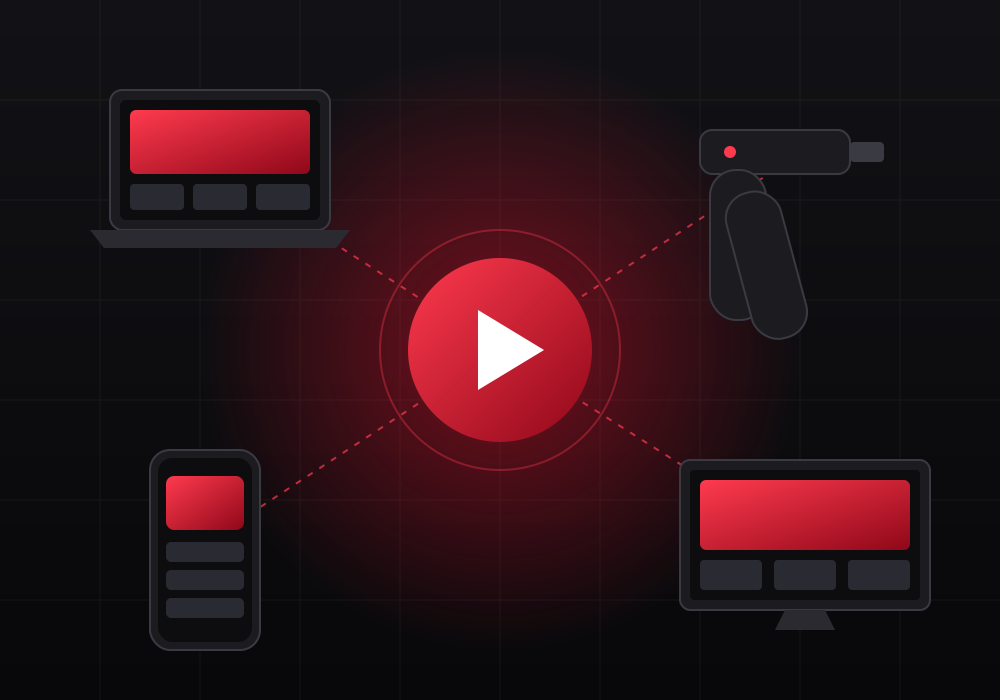
Behind the scenes, IPTV (Internet Protocol Television) sends video as data packets — the same way your favourite websites and video apps work. That means you can watch at home on the big screen, continue on a tablet in the kitchen and catch the end of a match on your phone, all with the same subscription details.
What makes the difference is the experience around the streams: clear setup instructions for your exact device, simple plans with every feature included and a support team that replies on WhatsApp whenever you need it. New to internet TV? Start with our plain-English guide, What Is IPTV?
There are no stripped-down tiers. Whichever plan you choose, you receive the full service — the only thing that changes is how long it lasts.
Watch in the picture quality your screen and connection support. Many channels and titles are available in several qualities, so you can pick crisp 4K on a big TV or lighter HD on mobile data.
A large line-up of live TV organised into clear categories — sport, news, entertainment, kids, documentaries, music and international channels — so it's easy to find what you want.
An on-demand library you can browse at your own pace. Start a film whenever it suits you, or work through a series one episode at a time, with titles added over time.
Dedicated pay-per-view channels for major one-off events are part of the package, so big fight nights and special broadcasts appear in your channel list alongside everything else.
Smart TVs, Android TV, Fire TV Stick, Apple TV, iOS and Android phones and tablets, Windows and Mac computers and IPTV boxes. We help you choose the right app for each one.
Questions about setup, your account or picture quality? Message us on WhatsApp at any hour. You speak to a real person who will walk you through the solution step by step.
Your subscription combines three ways of watching. Here's how the main sections of the service are organised.
Live sports channels from around the world, plus PPV channels for headline events.
Film channels and a deep on-demand catalogue across action, drama, comedy, family and more.
Full seasons available on demand, so you can watch at your own pace instead of waiting for a schedule.
Rolling news and current affairs channels in multiple languages to stay informed wherever you live.
Cartoons, animation and family viewing, grouped together so younger viewers find their shows quickly.
Channels from many countries and regions — ideal for expats and multilingual households.
Channel line-ups and the on-demand library change over time. If one specific channel is important to you, ask us on WhatsApp or check it during your free trial before you buy.
Every plan includes all features. Pay once, get your login on WhatsApp and start watching. Longer plans bring the monthly cost down to as little as $5.83.
Try the full service for a month
Billed once for 1 month
Order & activation via WhatsApp
A full season of live TV
Only $10.00 per month · billed once
Order & activation via WhatsApp
Half a year, lower monthly cost
Only $7.50 per month · billed once
Order & activation via WhatsApp
Our lowest cost per month
Only $5.83 per month · billed once
Order & activation via WhatsApp
Want to test first? Request a free trial · Full details on the pricing page
No paperwork and no installation appointment. Most customers are set up within minutes of receiving their details.
Pick 1, 3, 6 or 12 months on the pricing table. Every option includes the same channels, library and support.
Tap Buy Now. WhatsApp opens with your plan already written in the message — just press send.
After payment is confirmed, we send your subscription details and a setup guide matched to your device.
Install the recommended player app, enter your details and enjoy live TV, movies and series right away.
ZORYFLIX IPTV works with the screens you already have. Tell us your device and we'll recommend the best player app for it.
Step-by-step help: Fire TV Stick setup · Smart TV setup
The quality you see depends on three things working together: the stream, your internet connection and the device you watch on. We look after the first; these simple guidelines help with the other two.
| Quality | Resolution | Suggested stable speed |
|---|---|---|
| HD | 720p | ~10 Mbps |
| FHD | 1080p | ~15–20 Mbps |
| 4K | 2160p | 25 Mbps or more |
Want the details? Read what internet speed you need for IPTV and our guide to fixing buffering.
A steady 30 Mbps line usually streams better than a 200 Mbps connection that drops in and out. Consistency is what keeps live TV smooth.
4K shines on a large 4K TV. On a phone, HD looks sharp and uses far less data — handy when you're away from Wi-Fi.
Our team can suggest player settings, such as buffer size and decoder options, that suit your device.
Different households watch in different ways. Here's how people typically use their ZORYFLIX IPTV subscription.
Follow live matches, races and fight nights from a single channel list. Sports categories sit alongside dedicated PPV channels, so you aren't hopping between apps when a big event starts. For the smoothest live action, pair the service with a wired connection and choose the FHD or 4K version of a channel when your line allows it.
Kids' channels, family films and series are grouped so that everyone finds their own corner of the service. Set up the living-room TV and a tablet with the same details, and the whole household can enjoy the shows they like. Ask our team how to organise favourites lists so each person's channels are one click away.
International channel categories make it easier to keep up with news, entertainment and culture from the places that matter to you, wherever you live now. Because the service runs over the internet, it travels with you — useful if you split your time between countries or spend long periods away from home.
With 70,000+ movies and series on demand, there's always something to start tonight. Browse by genre, pick up a series where you left off, or switch to a film channel when you'd rather not choose. 4K titles look their best on a large screen with a fast, stable connection.
All three deliver TV to your home, but they work in very different ways. Here's a neutral side-by-side to help you decide what suits your household.
| What matters | ZORYFLIX IPTV | Cable TV | Satellite TV |
|---|---|---|---|
| How it's delivered | Over your existing internet connection | Dedicated cable line to the home | Dish antenna and receiver |
| Installation | Install an app and sign in | Often needs a technician visit | Dish mounting and alignment |
| Watch on phone & tablet | Yes, with the same subscription | Depends on the provider's app | Depends on the provider's app |
| Take it when you travel | Anywhere with good internet | Tied to your home address | Tied to the dish location |
| Commitment | Prepaid 1–12 month plans | Contracts are common | Contracts are common |
| Weather sensitivity | Not affected by rain on a dish | Generally unaffected | Heavy rain or snow can interrupt signal |
| Main requirement | Stable broadband connection | Cable coverage at your address | Clear line of sight to the satellite |
The right choice depends on your connection, location and viewing habits. IPTV is a strong fit if you have reliable broadband and want flexibility across devices.
We focus on the things that make a subscription easy to live with day after day.
Support runs through WhatsApp, the app you already use. Send a photo of your screen, describe the problem in your own words and get clear, friendly answers — whether it's your first setup or a question months later.
No add-on packs, no hidden tiers. Four durations, one feature list. You know exactly what you're paying for before you message us, and plans don't renew automatically.
A free trial lets you check the channels, the picture quality and the player app on your own TV and internet connection. If it works well for you, choosing a plan is an easy decision.
Customers in many countries use ZORYFLIX IPTV. International channel categories and multi-device support make it a natural choice for expat families and households that watch in more than one language.
Quick answers to what new customers ask most. More on the full FAQ page.
ZORYFLIX IPTV is a premium internet TV subscription. Instead of a cable or satellite connection, live channels, movies and series are delivered over your internet connection to the devices you already own — smart TVs, streaming sticks, phones, tablets and computers.
The service works on all common streaming devices, including Samsung and LG smart TVs, Android TV and Google TV, Amazon Fire TV Stick, Apple TV, iPhone and iPad, Android phones and tablets, Windows and Mac computers and IPTV set-top boxes. Our team tells you which player app to use on your device. See the smart TV setup guide for details.
Every plan includes HD, FHD and 4K streams, 50,000+ live channels, 70,000+ movies and series, PPV channels, support for all devices and 24/7 support. The only difference between plans is the length of the subscription. Compare them on the pricing page.
Yes. You can request a free trial on WhatsApp to check the service on your own device and internet connection before you choose a plan. Read how it works on the free trial page.
Pick a plan and tap Buy Now. WhatsApp opens with a message for that plan already written. Our team confirms the payment options with you, then sends your login details and step-by-step setup instructions for your device.
As a general guide, a stable connection of around 10 Mbps works well for HD, 15–20 Mbps for Full HD and 25 Mbps or more for 4K. Stability matters as much as speed, so a wired Ethernet connection is ideal for TVs. Our internet speed guide explains more.
No long-term contract. Each plan is a one-time payment for a fixed period — 1, 3, 6 or 12 months. When it ends, you decide whether to renew.
Message our support team on WhatsApp at any time, day or night. Tell us your device and what you see on screen, and we'll guide you through the fix. Our buffering checklist covers the most common issues too.
How internet protocol television works, what you need to start, and how it compares with cable and satellite.
Read article →
A step-by-step walkthrough for installing an IPTV player on Fire TV, adding your login and tuning it for smooth playback.
Read article →
Practical speed guidance for each picture quality, why stability matters more than peak speed, and how to test your line.
Read article →Choose a plan, message us on WhatsApp and get your login details with setup help for your device. Not sure yet? Ask for a free trial first.